
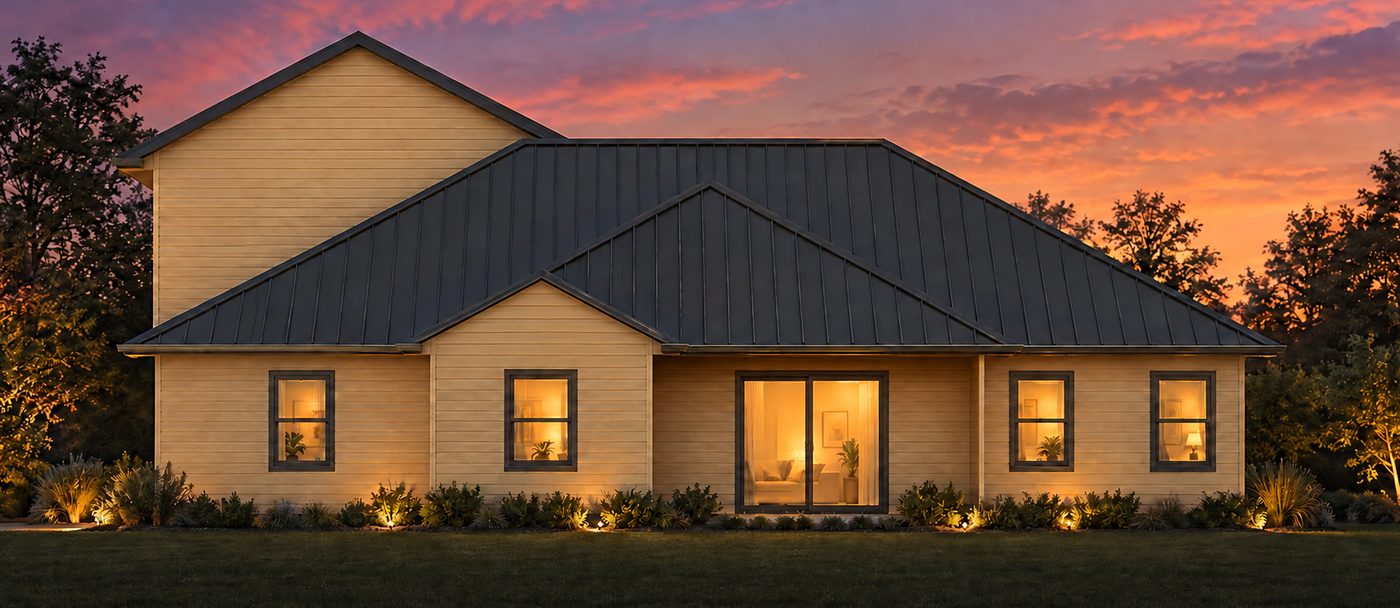
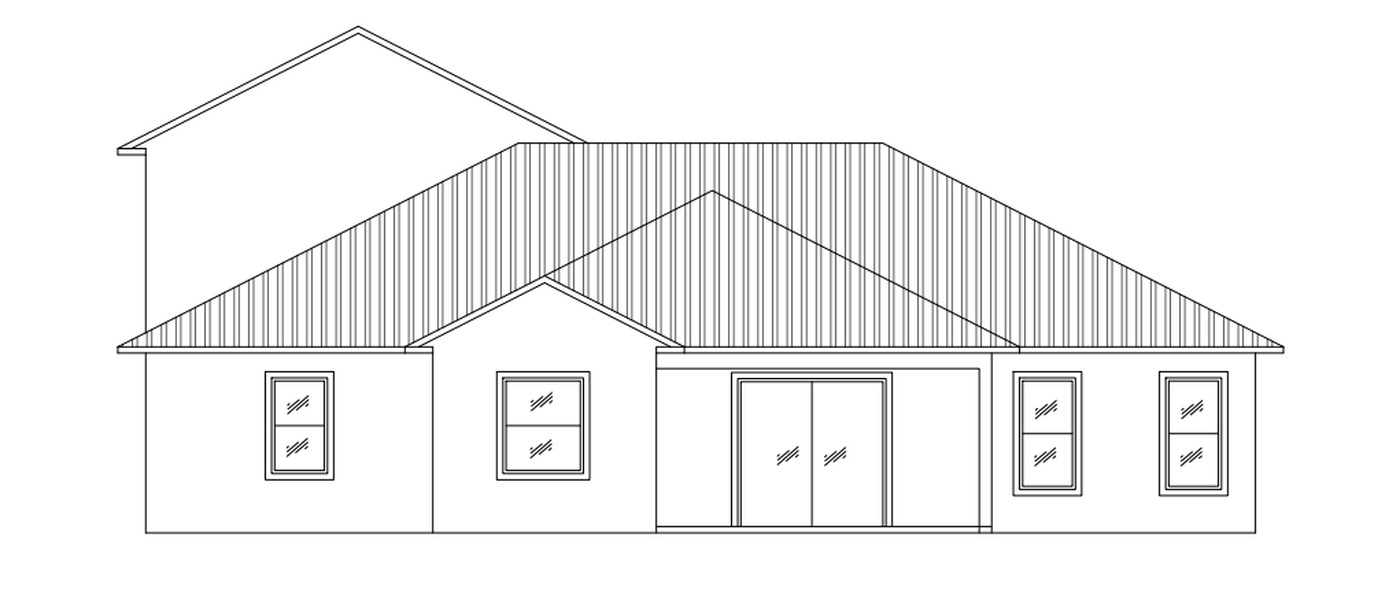
Which one are you?
I need renders and brochures
Turn drawings into renders and client brochures, in your browser or inside AutoCAD.
Explore DraftWorksI run a design or building firm
A BIM and drafting team, under your brand.
Partner with usI need a drawing set
Permit-ready drawings and models in 5–7 days.
See servicesThree steps, in your browser or in AutoCAD.
Select
Drag a rectangle over a plan, section or elevation, in your AutoCAD drawing or an uploaded PDF.
Render
Pick a style, plus materials and colours for sections and elevations. Circle or arrow anything on the preview to revise.
Present
Pick renders and drawings, fill in one short form and get an A3 or A4 landscape brochure. Export PDF.
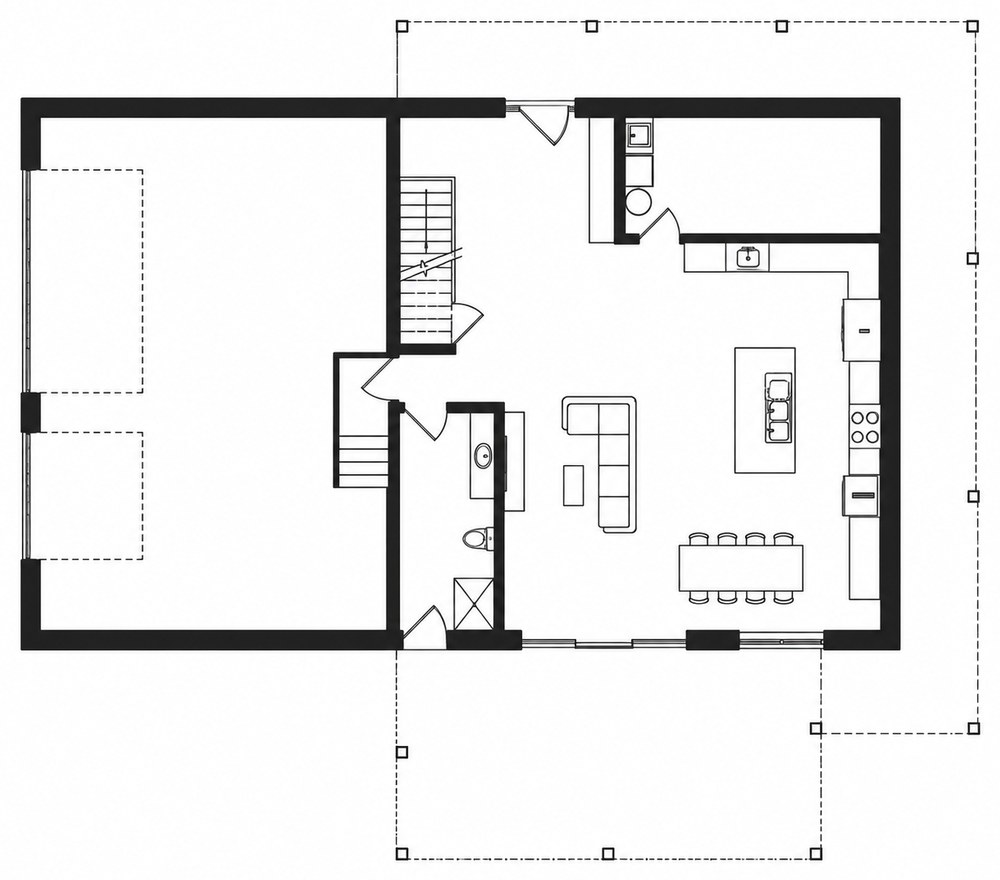
Your BIM and drafting team, under your name.
For architects, structural engineers and builders. Skip the software licences, the training and the BIM hire. Every sheet goes out with your logo, name and address in the title block.
Explore the Partner ProgramLatest AEC Insights

From 20% to 100%: IBC 2024 Just Freed Up Your Mass Timber Ceilings

IRC §R310.1 Egress Window Requirements: How to Annotate Your Permit Set Correctly the First Time

How AI Code Compliance Tools Are Changing the Way Permit Drawings Get Done

Updating BIM LOD and Workflows to Meet 2025 Energy Code Requirements: A Practical Guide for Small Firms

Revit-to-permit- Step-by-step BIM + energy-modeling workflow to meet 2025 IECC and BC Energy Step Code requirements and speed permit approvals

Transforming Construction and Millwork

AI Revolution in AEC Cost Estimation

How AI is Transforming the AEC Industry
From 20% to 100%: IBC 2024 Just Freed Up Your Mass Timber Ceilings
IRC §R310.1 Egress Window Requirements: How to Annotate Your Permit Set Correctly the First Time
How AI Code Compliance Tools Are Changing the Way Permit Drawings Get Done
Updating BIM LOD and Workflows to Meet 2025 Energy Code Requirements: A Practical Guide for Small Firms
Revit-to-permit- Step-by-step BIM + energy-modeling workflow to meet 2025 IECC and BC Energy Step Code requirements and speed permit approvals
Transforming Construction and Millwork
AI Revolution in AEC Cost Estimation
How AI is Transforming the AEC Industry
I run a small firm in Florida, and most of my projects already come with the client's design done — I just need the architectural and structural sets drafted, plus enclosure permitting work that needs to move fast. We've worked together for years now, and that relationship means I don't have to think twice — if a project needs extra care, they just take care of it.
Edward, Florida, US